 I’ve long wanted some sort of solution for centrally storing and serving music for listening around the house. There are all sorts of commercial products (like Sonos) out there, some eye-wateringly expensive even without any storage, plus numerous open-source projects, better suited to my low-budget, Raspberry Pi-filled household. But, unless I’m missing something obvious, nothing seems to do exactly what I want. Not the commercial products, not XMBC / KODI, not Volumio, not Rune Audio (more on them later), not DLNA/uPnP servers, not headless MPD servers, not VLC… not anything. I’ve tried several of these, they all have their uses. But they don’t quite fit. Or quite work (as I type this, Volumio’s web interface has hung for the millionth time).
Here’s what I’d like to do: I want to hold all our music in some central point in the house, on a solid-state low-power device that’s always on (so this rules out a normal hard disk-drive NAS, using an old laptop or desktop computer, but suggests a RaspberryPi may be employed.) I may want to play the audio back on the device hosting the audio, but that’s not essential. What is essential, is to be able to play the audio on a laptop or desktop, and probably on an iPad or iPhone (via Airplay?) or Android phone or tablet. And possibly on a standalone RaspberryPi in the kitchen. I’d also like to listen to internet radio stations on the kitchen device.
Most solutions seem centred around having a device in the living room, plugged into the network via ethernet and plugged into the ‘hi-fi’. Do you remember hi-fi? It was big in the 70s and 80s. But it’s the space age now, and I don’t have a hi-fi in the living room, nor indeed do I spend any time in there, aside from finally sitting down at 9.50pm and falling asleep in front of the Ten O’Clock News.
My life just isn’t like that any more. I don’t sit in my arm chair, equally placed between two speakers, stroking my finely-chiselled cheekbones like Pete Murphy (out of off of Bauhaus) in a 1980s Maxell cassette tape TV ad. I never had cheekbones, even then. And Bela Lugosi’s dead.*
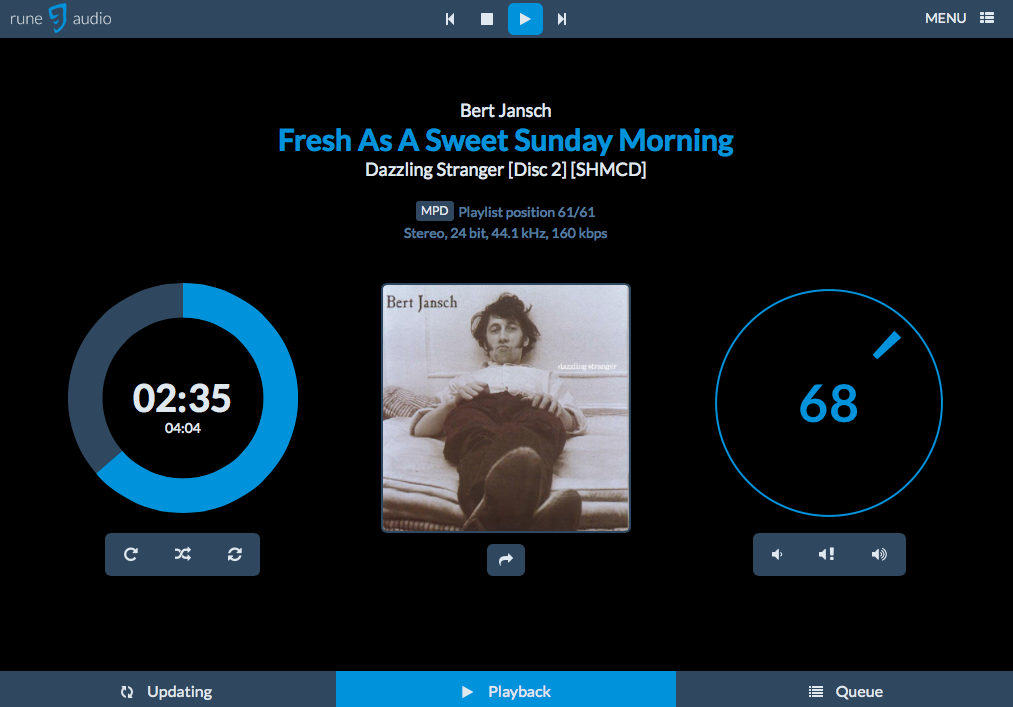
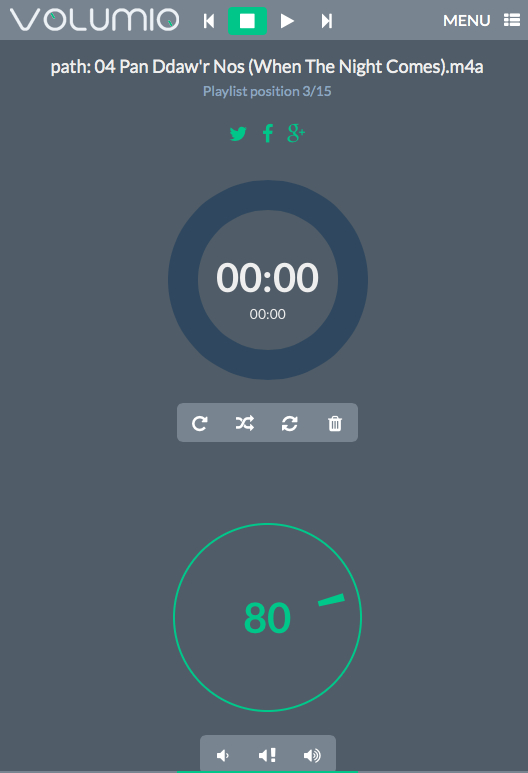 Volumio and Rune Audio are forks of Raspify – or Rune is a fork of Volumio, I forget which. It looks like it was an acrimonious split, like The Human League splitting and becoming Heaven 17 and, er, The Human League. Or like Arduino splitting and becoming Arduino and, er, Arduino. Anyway, they are complete operating systems you install on your RaspberryPi (or similar) to play audio through an analogue output or USB DAC. These solutions tend to assume your device stores audio (or accesses a NAS) and plays it locally on a directly-connected hi-fi, but the device does not serve the audio files to other devices, which is something I need. They look cool though – both have lovely, responsive web interfaces to act as remote controls. Volumio is based on Raspbian, Rune on Arch Linux. Of the two I found Rune slightly snappier (more responsive), plus it showed album art and had a few more menu options. Even so, I wasted most of a day yesterday (but hey it was raining and I had to wait in for a John Lewis delivery that never appeared) trying out both – with limited success.
First problem: my audio was all on a 64GB exFAT-formatted Sandisk USB stick. It took 3 hours to copy it all there off an old iMac, so I was reluctant to change the format of this. Volumio and Rune Audio are both supposed to support exFAT drives. Except the drive never mounted in either. The OS could see it at command-line level, but the USB stick never showed up in the web interface. I tried a FAT32 stick – it showed up immediately. So I reformatted my 64GB stick as FAT32 and copied all the audio again – this took another 3 hours. (Having my audio on a drive formatted as something like FAT32 or exFAT is important because I want to be able to add audio to it on a Mac, ruling out NTFS or Linux disk formats).
I think I may have been using Rune Audio by this point – I’ve lost count of the number of times I’ve re-imaged SD cards for RaspberryPis – though I did discover a great OS X utility for doing this, Apple Pi Baker. Anyway, Rune Audio mounted the 64GB FAT32 USB stick and indexed it pretty quickly. It played audio off it! I had fun building playlists on the fly and listening to tracks I’d not heard for ages. The circular volume and progress controls in the web interface work really well.
But I could not get Rune Audio to work wirelessly. It wouldn’t even boot with one wifi dongle attached, and with my regular Edimax wifi dongle it could browse local wifi networks, but refused to join ours. I tried command line tools. No luck. So I reflashed the SD card as Volumio again, mounted the USB stick ok, indexed it (a bit slower), played audio, had to use the IP address for the web interface as the volumio.local address wasn’t working…
So it looked like I had some of a solution. The Volumio RaspberryPi wouldn’t serve audio to other clients, as far as I could tell, but it was playing audio off my 64GB FAT32 USB stick. I even got internet radio to work, which I’d struggled with previously. Then I moved it into the kitchen. At first all seemed good. It played, I controlled it from my phone. Then it hung. It hung a lot. I tried pinging it. 25% packet loss. The darn thing kept falling off the wireless network, sometimes never rejoining it. I moved it to a better location, though it had been in the same spot I’d used the same Pi & wifi dongle previously with no problems to listen to Fip. Still it kept dropping off the network.
I was about to give up entirely, when I noticed something on the back of my broadband router – a USB socket. My old O2 box had acted as a server, but they got bought out by Sky and the replacement Sky box didn’t have a USB socket. I never even checked our new BT one, but there it was – a USB socket, which accepts FAT32-formatted USB drives and will serve them (slowly) as Windows-style SMB shares. Not exactly a DLNA/uPnP media server, but there are some advantages to using this. First, cost: the broadband router is already here, and it’s always turned on anyway, so there’s a zero cost overhead. Secondly, SMB may not be the most media-friendly (or Mac-friendly) way of dishing up files, but at least it makes the files equally available to any device on the home network that will mount or play off an SMB share. I found I could play files in the Finder on my MacBook Air (though directory listings were painfully slow). KODI (XBMC as was) on my MacBook seamlessly indexed and played audio files off the stick in the router (it will also turn your Mac into an AirPlay receiver). I even found an iOS app called BUZZ Player which is a bit clunky, but it too would play audio files off the router.
So that left me with my RaspberryPi with Volumio installed (now connected by ethernet in the living room, where I don’t listen to music). I tried to mount the SMB share a few times and it didn’t work; I was probably doing something wrong, but it then transpired that Volumio gets very upset when you try to delete or ‘unmount’ unsuccessful shares. It goes into a sulk. It hangs. It’s all but useless.
So I may give Rune Audio one more try to see if I can mount the router’s SMB share in it, hoping that I one day solve the wifi problems. I may even see if I can get a DLNA/uPnP server running somewhere – perhaps even on the same Pi?!
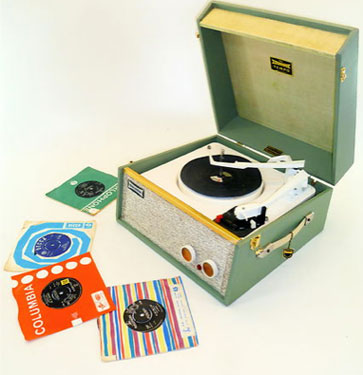
But I am starting to think that the best way of getting music around the house would be to put a Dansette in every room. Even in the kitchen. The platters that matter.
*I have now discovered that I still know all the words to ‘Bela Lugosi’s Dead’. He didn’t die in vain.
Update
I’ve been playing with Rune Audio a bit more. I definitely prefer it to Volumio – it’s quicker and less crashy in my experience. I managed to mount the SMB share containing all my music on my USB stick on my BT broadband router and play audio off it, with occasional glitches (suggesting the BT Homehub is indeed slow serving files). After doing some command line magic to update it to the latest build, I even got it to join my wireless network in the living room, but still couldn’t get it to work in the kitchen. I swapped out the USB wifi dongle and it works better – it will join the wifi network in the kitchen, but the audio playback is so choppy as to be useless.
So it looks like Rune Audio (and Volumio) are great solutions for playing audio back when you can wire in your RaspberryPi (or similar) to the network by ethernet. But here’s the thing: as I type this (in the kitchen) on my MacBook Air, I am listening to audio off the same source (USB stick in the BT Homehub mounted as a SMB share), pretty flawlessly in the OS X version of Kodi. I’ve had occasional glitches, compared with constant glitches and pauses listening to the same source via Rune Audio on a RaspberryPi in the same room.
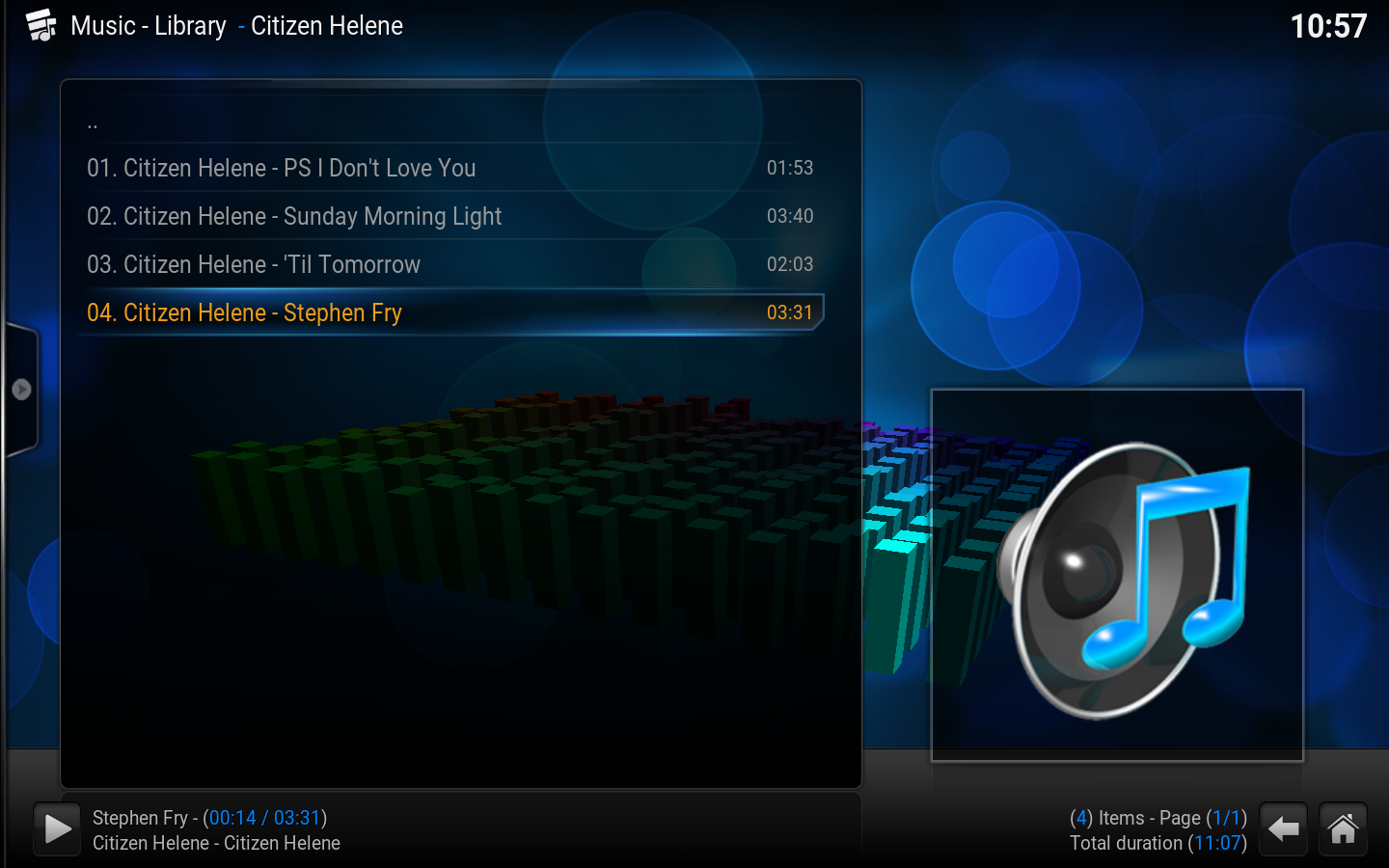
So here’s what I think I will do: put my old netbook in the kitchen to play audio off the router’s SMB share and also use the Spotify client. I can still listen to centrally-held music anywhere in the house on my laptop, or even on my phone using an app like Buzz Player. Total cost: £0.00
Or perhaps I should rebuild that Pi as a uPnP/DLNA server…
Update to the update
I did rebuild that Pi as a uPnP/DLNA server, wired in by ethernet to my broadband hub. I used these instructions. It works pretty well and seems much faster than the BT Homehub serving up a USB stick as a SMB share. The only downside so far is that it doesn’t handle accented characters in file names, but I’m sure that can be fixed somehow.